Lifestyle & Work

Remote Work in Tiny Homes: Creating a Home Office

12 min read · Updated March 4, 2026

By John

Working full-time from a tiny home is entirely doable — and many people do it — but it takes deliberate design. Here is how to carve out a productive, comfortable workspace in a small footprint.
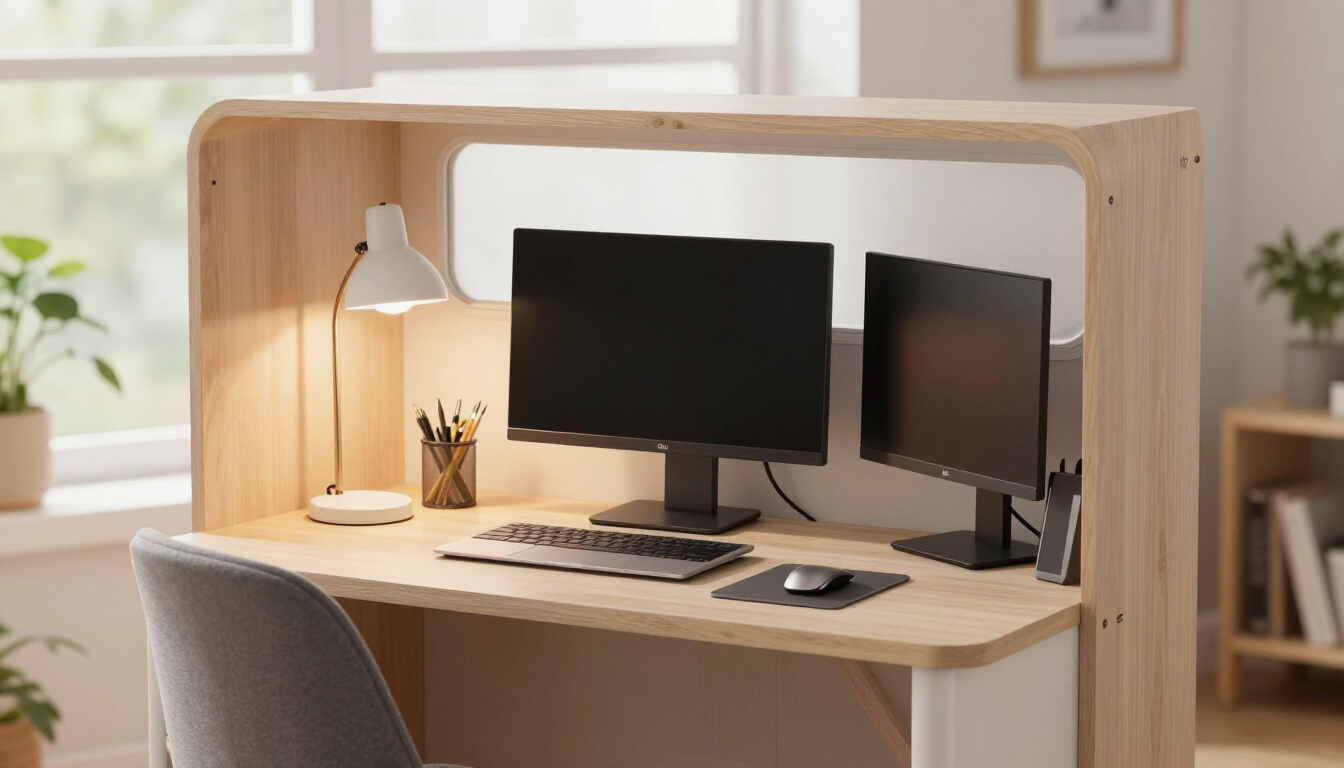
Compact home office desk with a laptop, monitor and lamp inside a tiny home with a window view

Can you really work full-time from a tiny home?

Yes — thousands of remote workers do it, some from off-grid tiny homes with satellite internet. But it does not happen by accident. A tiny home forces you to design the workspace deliberately, because there is no spare room to convert and no space for a sprawling desk setup. The challenges are real: finding a quiet, well-lit spot for a desk, managing heat from equipment, keeping work and life separate when they share 200 sq ft, and getting reliable connectivity. The solutions are equally real, and they start with treating the workspace as a primary design priority, not an afterthought. See our remote work guide alongside the broader design essentials.

Choose the desk location first

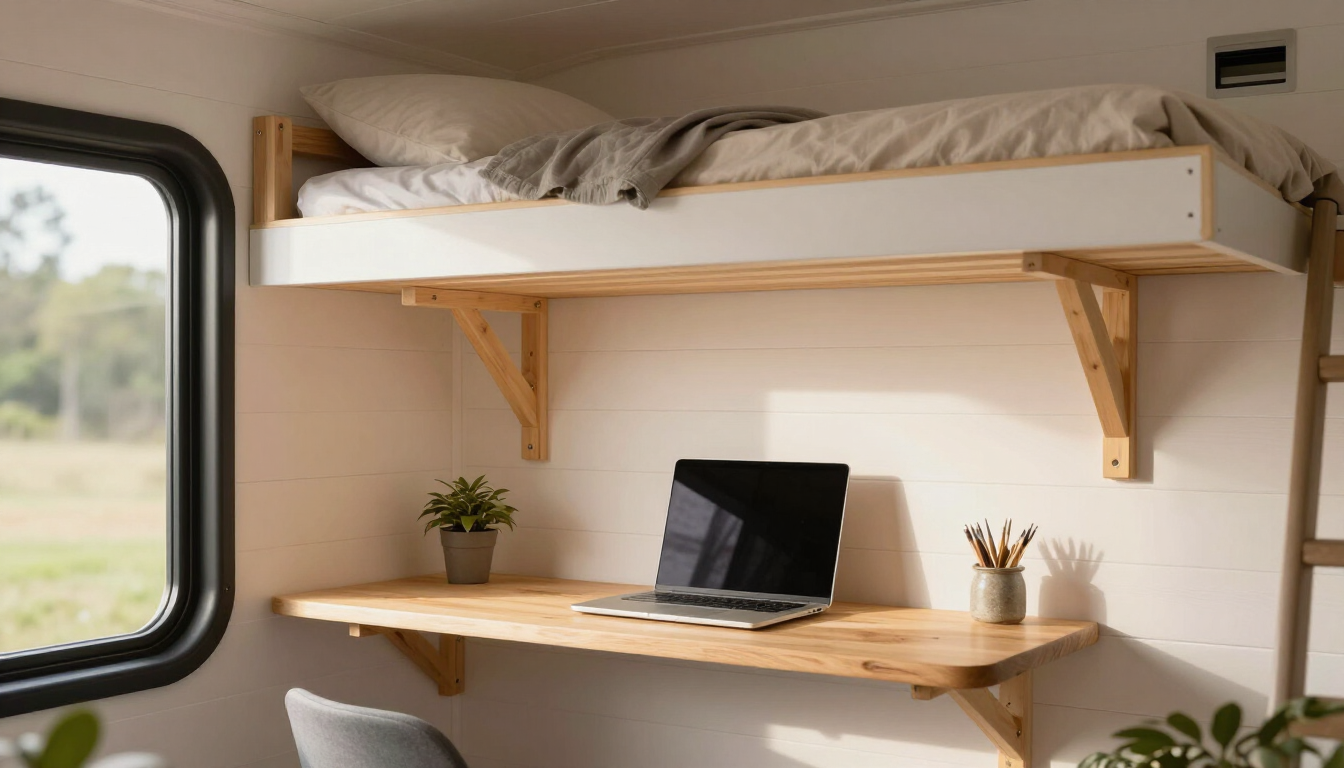
In a tiny home, the desk location is a layout decision, not a furniture decision. The best spot is usually against a wall with a window for natural light and a view, away from the kitchen splatter zone and the loft ladder traffic. Avoid the drop-leaf dining table if you work full-time — setting up and breaking down a workspace every day drains productivity and blurs the line between work and home. A dedicated wall desk, even a shallow one, signals to your brain that this is a work zone. If space is truly tight, a wall-mounted fold-down desk under a loft or window gives a real work surface that disappears when not in use.
Small wall-mounted desk with a laptop under a sleeping loft in a tiny home

Ergonomics in a small footprint

A tiny home does not excuse bad ergonomics — sitting hunched over a laptop for eight hours is just as harmful in 200 sq ft as in 2,000. Invest in a real chair that fits the desk height, or a height-adjustable desk that lets you stand part of the day. Position the monitor at eye level (a laptop stand and external keyboard are the cheap fix) so your neck stays neutral. Keep the desk shallow enough that you are not reaching, and clear the floor under the desk so your legs have room. A small footrest improves posture when the chair is slightly too high. These details matter more in a tiny home, because you cannot just retreat to another room when your back hurts.
Ergonomic office chair and height-adjustable standing desk in a compact tiny home office nook with a monitor at eye level

Lighting for focus and video calls

Good lighting serves two purposes in a tiny home office: it reduces eye strain during long work sessions, and it makes you look presentable on video calls. Place the desk perpendicular to a window so daylight comes from the side, not straight into your eyes or your screen. Add a task light for evening work — a small adjustable LED lamp is plenty. For video calls, face a window or a soft light source so your face is lit evenly; avoid sitting with your back to a window, which turns you into a silhouette. A light-colored wall behind you reads as a clean, professional background on camera without any decoration.
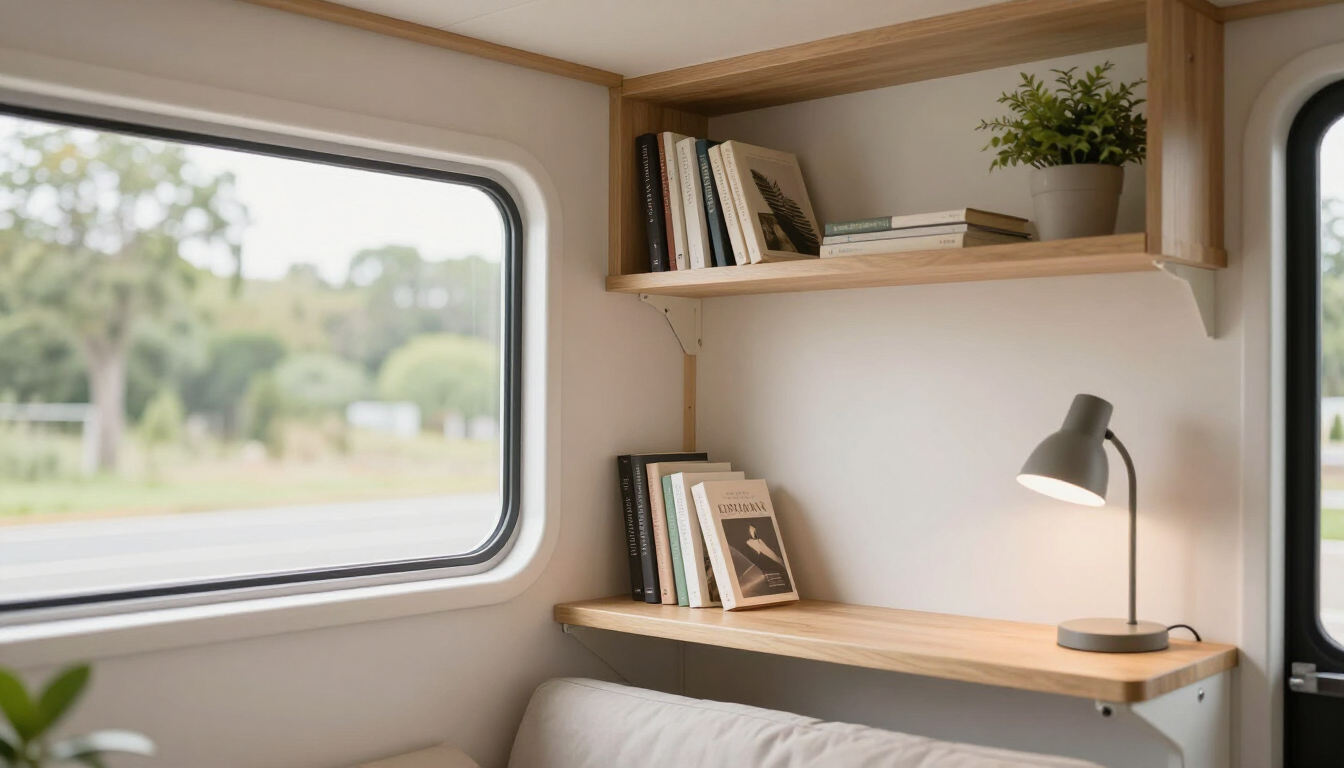
Compact tiny home interior with open shelving and a view through a bright window

Connectivity on and off grid

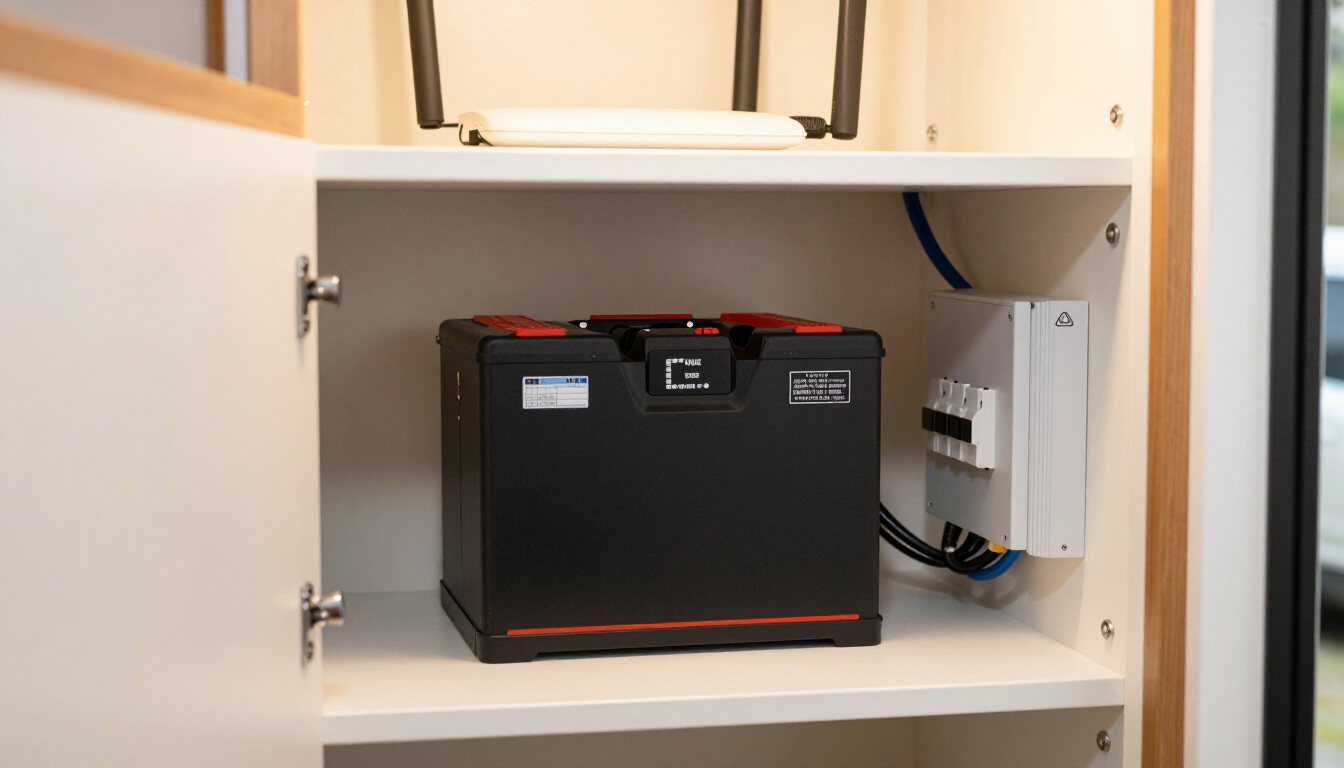
Reliable internet is non-negotiable for remote work, and a tiny home's location dictates the options. In town, a fixed wireless or cable connection is simplest. On rural land, a cellular booster with a high-gain antenna can pull a usable signal from a distant tower, and satellite internet now offers speeds that handle video calls. Keep a backup connection — a second carrier or a mobile hotspot — so a single outage does not kill your workday. Wire the desk to the router or a mesh node with ethernet for stability on important calls, and position the router high and central. For off-grid setups, size the solar and battery system to run the modem, router, and laptop through the workday plus a cloudy buffer.
Tiny home utility closet with a battery bank, inverter and breaker panel for off-grid power

Separating work from living

The hardest part of tiny home remote work is psychological, not physical. When your desk is three steps from your bed, work bleeds into evenings and rest bleeds into workdays. Build rituals that create separation even without separate rooms: start the day by 'commuting' to the desk (a short walk outside helps), and end by closing the laptop and covering the desk or folding it away. Use noise-canceling headphones to signal focus time to a partner. Keep work materials confined to the desk area rather than spreading across the home. A small physical boundary, even a folded screen or a closed laptop lid, helps the brain switch off. Pair this with our interior design guide for zoning ideas.
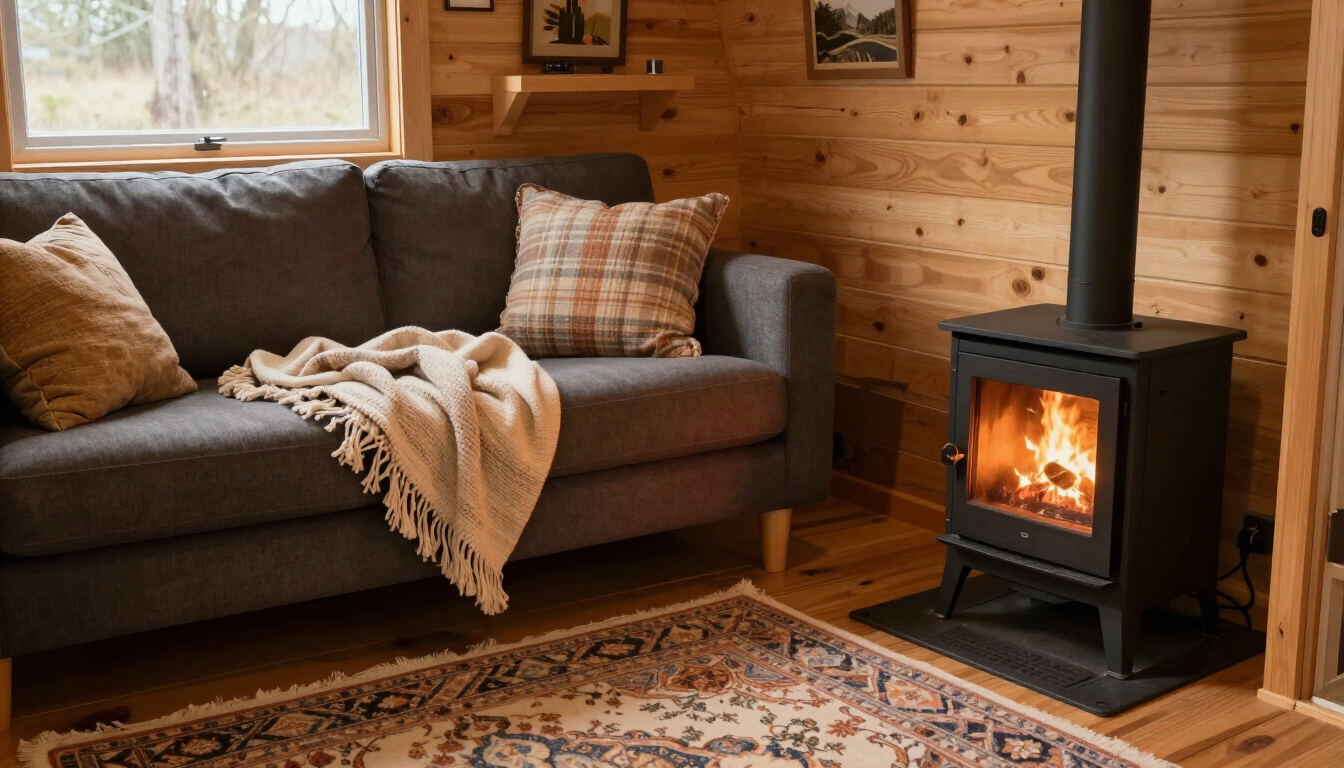
Cozy tiny home living room with a sofa, throw blankets, a rug and a small wood stove

Tiny home office essentials

ElementRecommendation
DeskDedicated wall desk or fold-down, not the dining table
ChairReal ergonomic chair that fits desk height
MonitorEye-level, laptop stand + external keyboard
LightingSide window light + task lamp + clean background
ConnectivityWired ethernet + backup hotspot
Power (off-grid)Solar + battery sized for workday + buffer
BoundaryCover or fold the desk at day's end
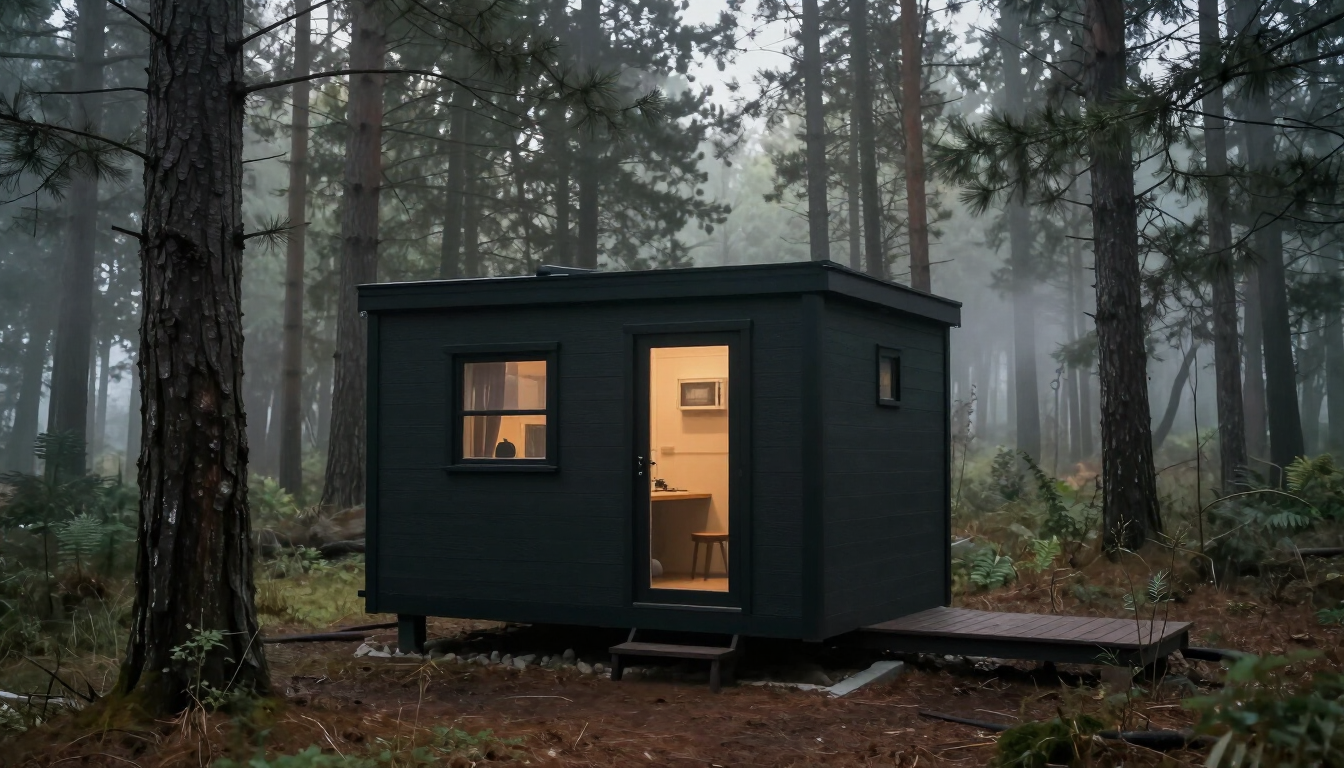
Tiny home nestled in a forest clearing with tall trees in misty morning light

Putting it all together

Remote work from a tiny home is not a compromise — for many it is the ideal setup, with zero commute and a low-cost base. The key is designing the workspace deliberately: choose the desk location as a layout priority, invest in real ergonomics, light the space for focus and video, and secure reliable connectivity with a backup. Build rituals that separate work from living so the small shared space does not wear you down. Get these right and a tiny home can be a more focused, lower-stress workplace than any office. Ready to find a home you can work from? Browse tiny homes for sale, explore off-grid builds with the power and connectivity for remote work, or compare builders who can design in a dedicated desk.

Related articles

More guides that dig deeper into the same topics.

Frequently asked questions

Can I work remotely from an off-grid tiny home?+

Yes, with the right connectivity and power. Satellite internet or a cellular booster with a high-gain antenna can handle video calls from rural locations, and a solar and battery system sized for the workday plus a cloudy buffer keeps you powered. Keep a backup connection for outages.

Where should I put a desk in a tiny home?+

Against a wall with a window for side light and a view, away from the kitchen splatter zone and loft traffic. Avoid using the dining table for full-time work. A dedicated wall desk or a fold-down wall-mounted desk gives a real work surface that separates work from living.

How do I keep good ergonomics in a tiny home office?+

Use a real chair that fits the desk height, position your monitor at eye level with a laptop stand and external keyboard, keep the desk shallow so you are not reaching, and clear the floor under the desk for your legs. A small footrest helps when the chair is slightly too high.

What internet is best for a tiny home?+

In town, fixed wireless or cable is simplest. On rural land, a cellular booster with a high-gain antenna or satellite internet can deliver video-call speeds. Wire the desk to the router with ethernet for stability, and keep a mobile hotspot as a backup for outages.

How do I separate work from home life in a tiny house?+

Build rituals: take a short walk to 'commute' to the desk, and at day's end close the laptop and cover or fold away the desk. Use noise-canceling headphones to signal focus time, and keep work materials confined to the desk rather than spreading across the home.

How much power do I need to work off-grid?+

Size the solar and battery system to run the modem, router, laptop, monitor, and lighting for a full workday, plus a two-to-three-day cloudy buffer. A typical remote-work load is modest, but the buffer is what keeps you working through stretches without sun.

Ready to start searching?

Browse tiny homes, plans, builders, communities and land on the interactive map.

Explore the map
>